
Building a GraphQL Federation Server
Problem
As applications grow, their data sources proliferate, often becoming siloed. A monolithic GraphQL server can become a bottleneck, making it challenging to scale and maintain. GraphQL Federation offers a solution by allowing multiple GraphQL services to act as a unified data graph. However, setting up a federation server can be daunting without clear guidance.
Solution
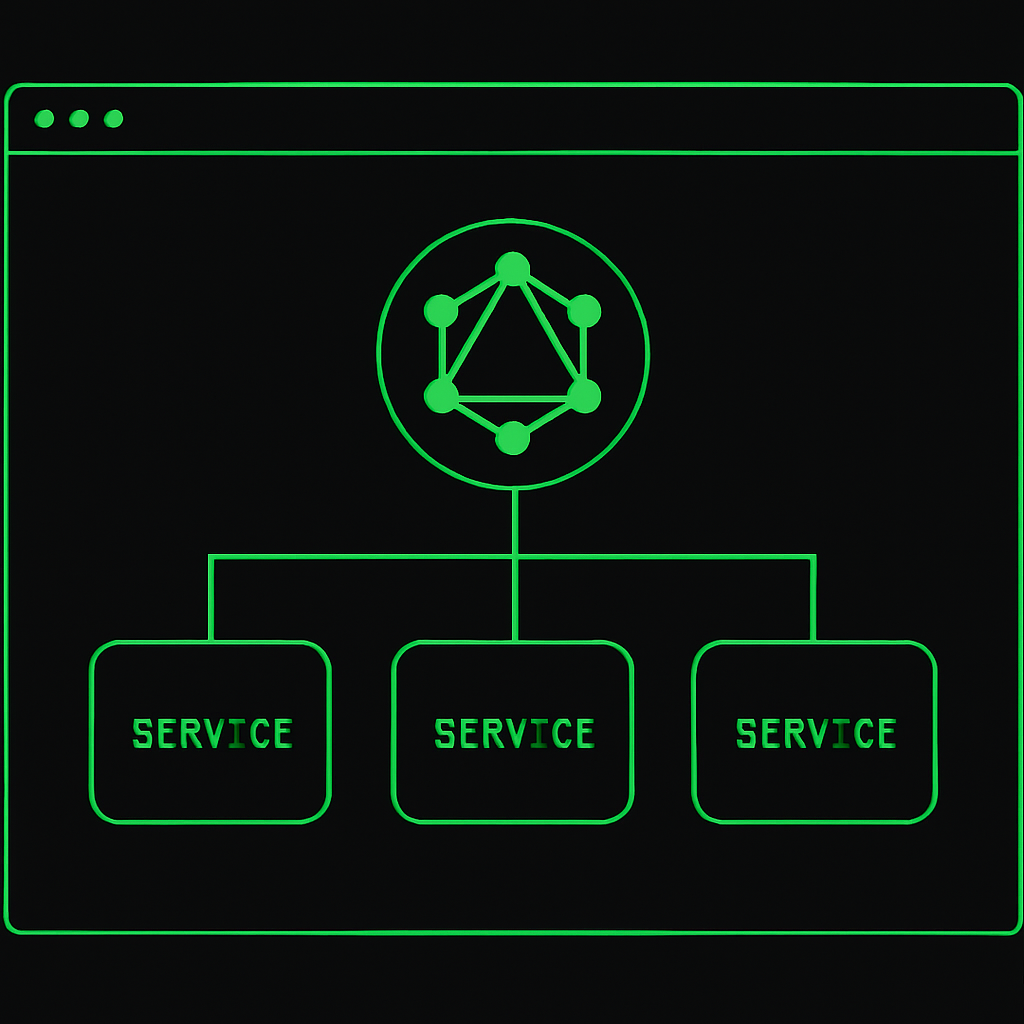
To tackle this, we will set up a GraphQL Federation server using Apollo Federation. This involves creating multiple subgraphs, each representing a distinct service, and then stitching them together using a gateway.
Key Concepts
- Subgraphs: Independent services with their own GraphQL schemas.
- Gateway: A central server that composes and serves the unified graph to clients.
- Federation Directives: Annotations that enable inter-service communication and data sharing.
Step-by-Step Guide
-
Set Up Subgraphs
Each subgraph is a standalone GraphQL server. Let's start by creating a basic
productssubgraph:const { ApolloServer } = require('@apollo/server'); const { buildSubgraphSchema } = require('@apollo/subgraph'); const gql = require('graphql-tag'); const typeDefs = gql` type Product @key(fields: "id") { id: ID! name: String } `; const resolvers = { Product: { __resolveReference(product) { return products.find(p => p.id === product.id); }, }, }; const server = new ApolloServer({ schema: buildSubgraphSchema({ typeDefs, resolvers }), }); server.listen({ port: 4001 }).then(({ url }) => { console.log(`Products service ready at ${url}`); }); -
Create Additional Subgraphs
Similarly, create more subgraphs for other services, such as
users, ensuring each subgraph has its own schema and resolver logic. -
Set Up the Gateway
The gateway will unify these subgraphs into a single graph:
const { ApolloServer } = require('@apollo/server'); const { ApolloGateway } = require('@apollo/gateway'); const gateway = new ApolloGateway({ serviceList: [ { name: 'products', url: 'http://localhost:4001' }, { name: 'users', url: 'http://localhost:4002' }, ], }); const server = new ApolloServer({ gateway, subscriptions: false, }); server.listen({ port: 4000 }).then(({ url }) => { console.log(`Gateway ready at ${url}`); }); -
Run and Test
Start each subgraph server and then the gateway. Verify that the unified graph operates correctly by querying combined data through the gateway endpoint.
Conclusion
By implementing a GraphQL Federation server, you can efficiently integrate and scale multiple services. This approach not only enhances maintainability but also optimizes the performance by distributing workloads across independent subgraphs.