
Building a Notification System
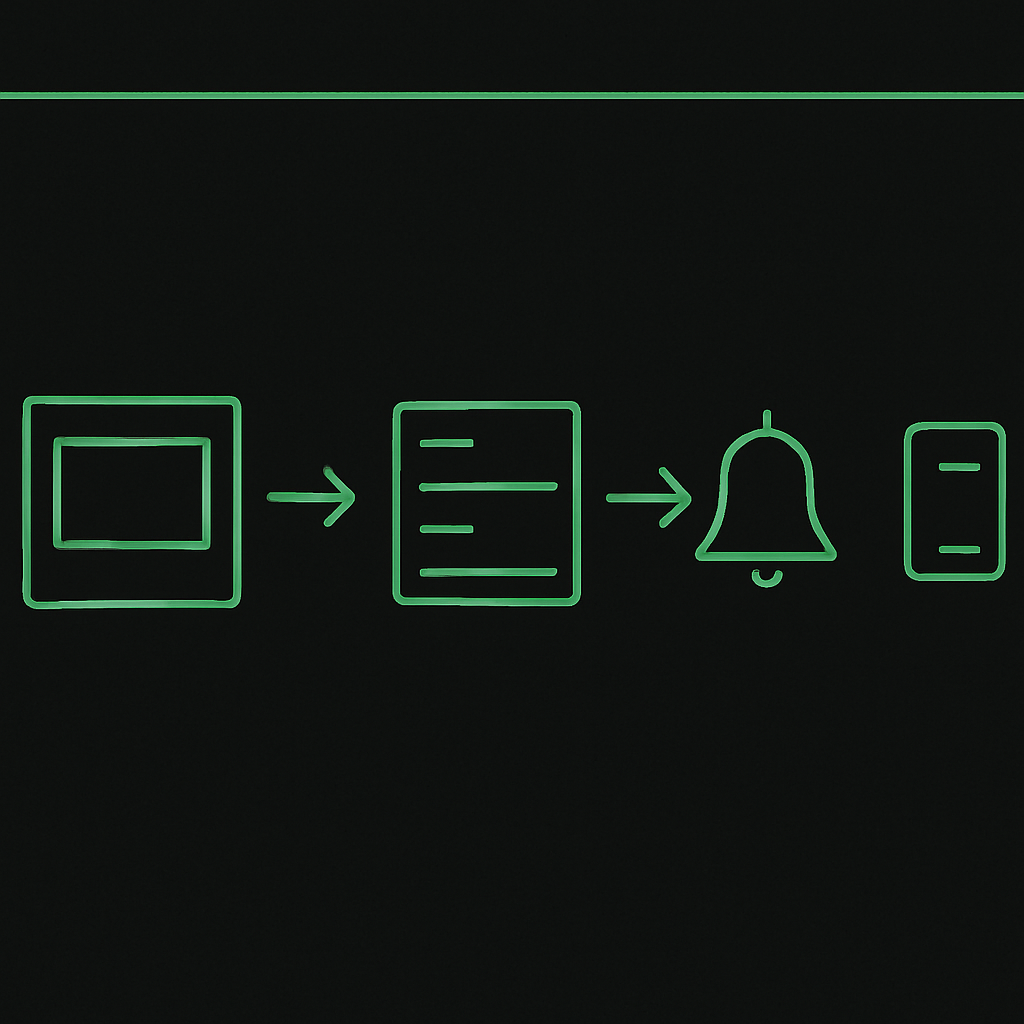
Problem
In today's digital landscape, user engagement is crucial for the success of any application. A notification system is a powerful tool to keep users informed and engaged by delivering timely updates. However, building a scalable and efficient notification system presents challenges such as handling different notification types, ensuring delivery reliability, and managing user preferences.
Solution
To build a scalable notification system, we can leverage a message queue and microservices architecture. This approach decouples the notification logic from the main application, allowing for better scalability and flexibility.
Key Concepts
- Message Queue: Use a message queue like RabbitMQ or AWS SQS to handle the distribution of notifications. This ensures that notifications are processed asynchronously and efficiently.
- Microservices: Implement microservices to manage different types of notifications (e.g., email, SMS, push notifications). Each service can be independently deployed and scaled.
- User Preferences: Store user preferences in a database to customize notification delivery based on user settings.
Code Example
Here's a simplified example using Node.js and RabbitMQ for an email notification service:
-
Setup RabbitMQ: Ensure RabbitMQ is installed and running.
-
Producer: Send notification messages to the queue.
const amqp = require('amqplib/callback_api');

function sendNotification(notification) {
  amqp.connect('amqp://localhost', (error0, connection) => {
    if (error0) throw error0;
    connection.createChannel((error1, channel) => {
      if (error1) throw error1;

      const queue = 'notifications';
      channel.assertQueue(queue, { durable: false });

      channel.sendToQueue(queue, Buffer.from(JSON.stringify(notification)));
      console.log(" [x] Sent %s", notification);
    });
    setTimeout(() => { connection.close(); }, 500);
  });
}

sendNotification({ type: 'email', message: 'Welcome to our service!' });
- Consumer: Process messages from the queue.
const amqp = require('amqplib/callback_api');

amqp.connect('amqp://localhost', (error0, connection) => {
  if (error0) throw error0;

  connection.createChannel((error1, channel) => {
    if (error1) throw error1;

    const queue = 'notifications';
    channel.assertQueue(queue, { durable: false });

    console.log(" [*] Waiting for messages in %s. To exit press CTRL+C", queue);

    channel.consume(queue, (msg) => {
      const notification = JSON.parse(msg.content.toString());
      console.log(" [x] Received %s", notification.message);
      // Handle email sending logic here
    }, { noAck: true });
  });
});
Conclusion
By leveraging message queues and microservices, you can build a robust and scalable notification system that keeps users engaged with your application. This architecture allows for flexibility in handling different notification types and user preferences, ensuring a personalized and reliable user experience.