
Building a Task Queue System
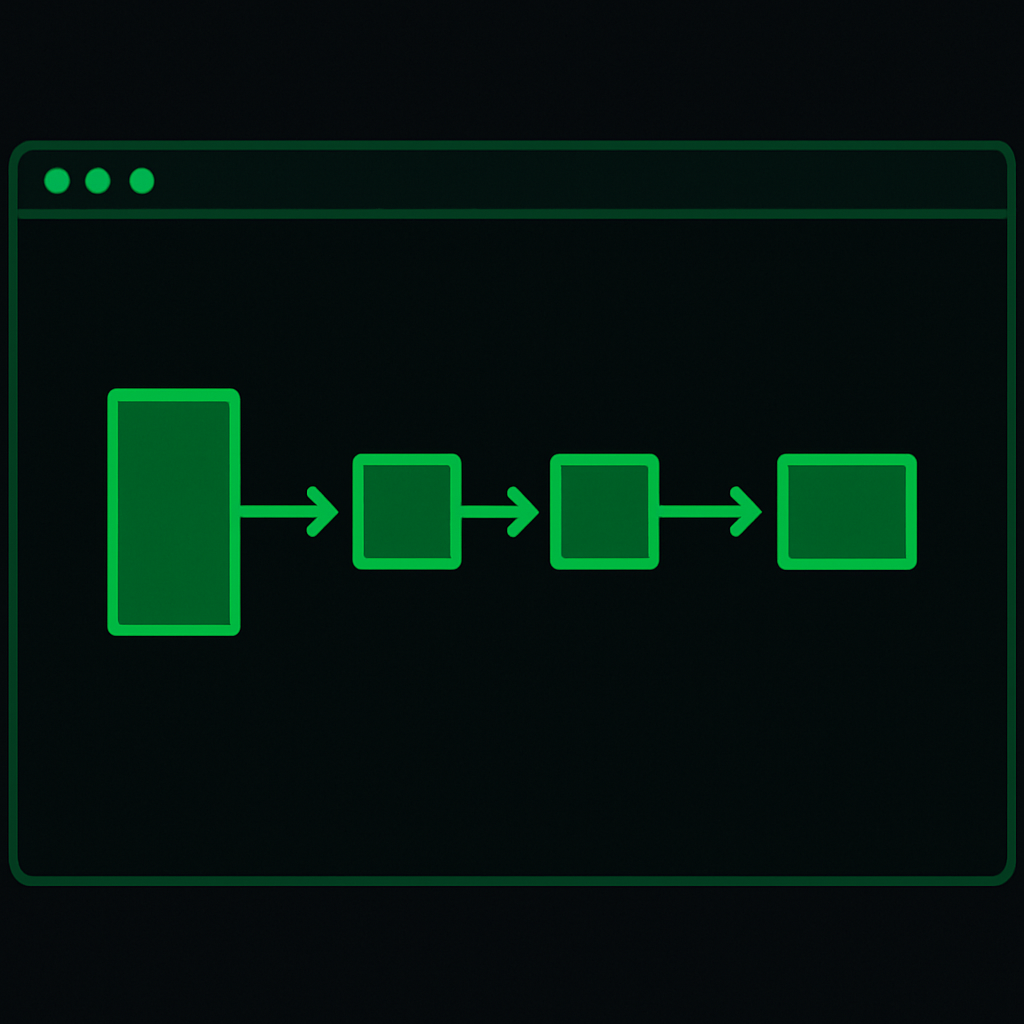
In modern applications, efficiently managing background tasks is essential for maintaining performance and scalability. A task queue system allows you to offload work from the main application process and handle it asynchronously. This guide will walk you through the basics of building a simple task queue system using Python and Redis.
Problem
Applications often need to perform tasks that may take a long time, such as sending emails, processing files, or making API calls. Running these tasks synchronously can block your application and degrade user experience. A task queue system helps by allowing tasks to be processed in the background, improving responsiveness and scalability.
Solution with Code
We'll use Python along with Redis, a popular in-memory data structure store, as our message broker. The rq (Redis Queue) library makes it easy to create background jobs, queue them, and process them using worker processes.
Setup
- Install Redis: Ensure Redis is installed and running on your machine.
- Install Python Packages: You'll need
rqandredis-py.
pip install rq redis
Create a Task
Define a simple function that represents the task you want to queue. For example, a task to send an email might look like this:
def send_email(recipient, subject, body):
    print(f"Sending email to {recipient}")
    # Logic to send email
Queue the Task
Use rq to enqueue the task. Create a Python script to push tasks into the queue:
from rq import Queue
from redis import Redis
from mytasks import send_email

# Connect to Redis server
redis_conn = Redis()

# Create a queue
queue = Queue(connection=redis_conn)

# Enqueue the task
job = queue.enqueue(send_email, 'user@example.com', 'Hello!', 'This is a test email.')
Create a Worker
Workers are processes that listen to the queue and execute tasks. Run a worker using the rq worker command. Ensure your script is in the Python path:
rq worker
Key Concepts
- Task Queue: A system that manages the distribution and execution of background tasks.
- Workers: Separate processes that execute the tasks from the queue.
- Redis: An in-memory data store used as a message broker to facilitate communication between different components of the task queue system.
- Asynchronous Execution: Allows tasks to be processed independently from the main application flow, improving performance and user experience.
Building a task queue system is crucial for any application that needs to perform heavy or time-consuming operations. By offloading these tasks to a queue, you can keep your application responsive and scalable, ultimately providing a better experience for your users.