
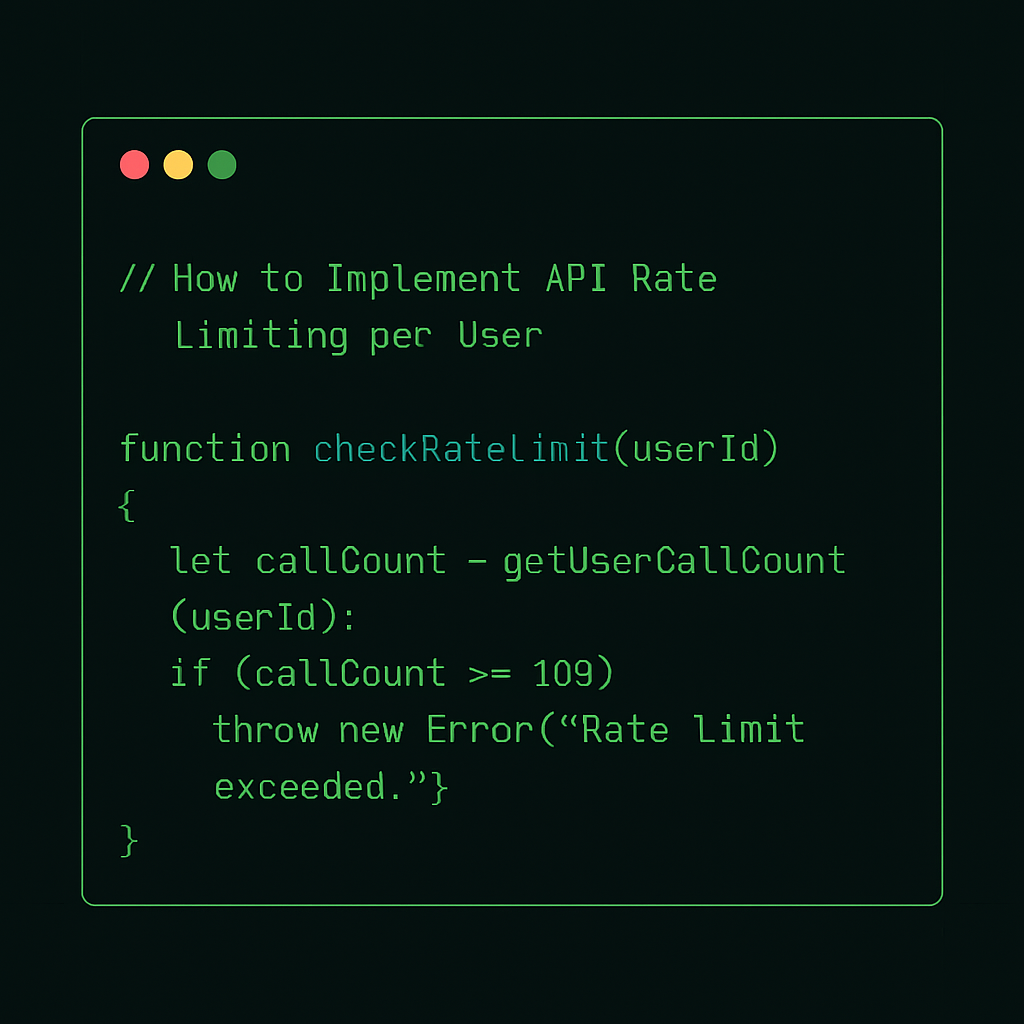
How to Implement API Rate Limiting per User
Problem
In API development, one of the critical challenges is managing resource access to ensure fair usage and protect against abuse. Without proper rate limiting, a single user can consume excessive resources, impacting other users' experience and potentially leading to service outages.
Solution
Implementing API rate limiting per user allows you to control the number of requests a user can make within a specific timeframe. This can be achieved using various strategies and technologies. Below, we provide a code-centric approach using Node.js and Express.js, with Redis as the rate limiter store.
Key Concepts
- Rate Limit: Maximum number of API requests a user can make in a given period.
- User Identification: Typically achieved via API keys or authentication tokens.
- Time Window: The duration over which the rate limit is calculated.
Code Implementation
First, ensure you have the necessary packages installed:
npm install express redis express-rate-limit
Here is a basic implementation using express-rate-limit and Redis to store rate limit data:
const express = require('express');
const rateLimit = require('express-rate-limit');
const RedisStore = require('rate-limit-redis');
const redis = require('redis');

const app = express();
const redisClient = redis.createClient();

// Middleware to identify user
const identifyUser = (req, res, next) => {
  // Assume userId is passed in headers for simplicity
  req.userId = req.headers['x-user-id'];
  if (!req.userId) {
    return res.status(400).send('User ID is required');
  }
  next();
};

// Define rate limiter
const limiter = rateLimit({
  store: new RedisStore({
    sendCommand: (...args) => redisClient.sendCommand(args),
  }),
  windowMs: 15 * 60 * 1000, // 15 minutes
  max: 100, // Limit each user to 100 requests per windowMs
  keyGenerator: (req) => req.userId, // Use userID for rate limiting
  handler: (req, res) => {
    res.status(429).send('Too many requests, please try again later.');
  },
});

// Apply middleware
app.use(identifyUser);
app.use(limiter);

app.get('/', (req, res) => {
  res.send('Welcome to our API!');
});

app.listen(3000, () => {
  console.log('Server running on port 3000');
});
Explanation
- Redis Store: Used to persist rate limit data, ensuring it remains consistent across server restarts or distributed systems.
- Key Generator: The custom function uses
req.userIdto apply rate limits per user. - Rate Limit Window: Set to 15 minutes, allowing a maximum of 100 requests per user within this timeframe.
By implementing rate limiting in this way, you can effectively manage API usage, ensuring a fair distribution of resources among users. Adjust the rate limit parameters to suit your application's needs.