
How to Implement Data Validation with Yup
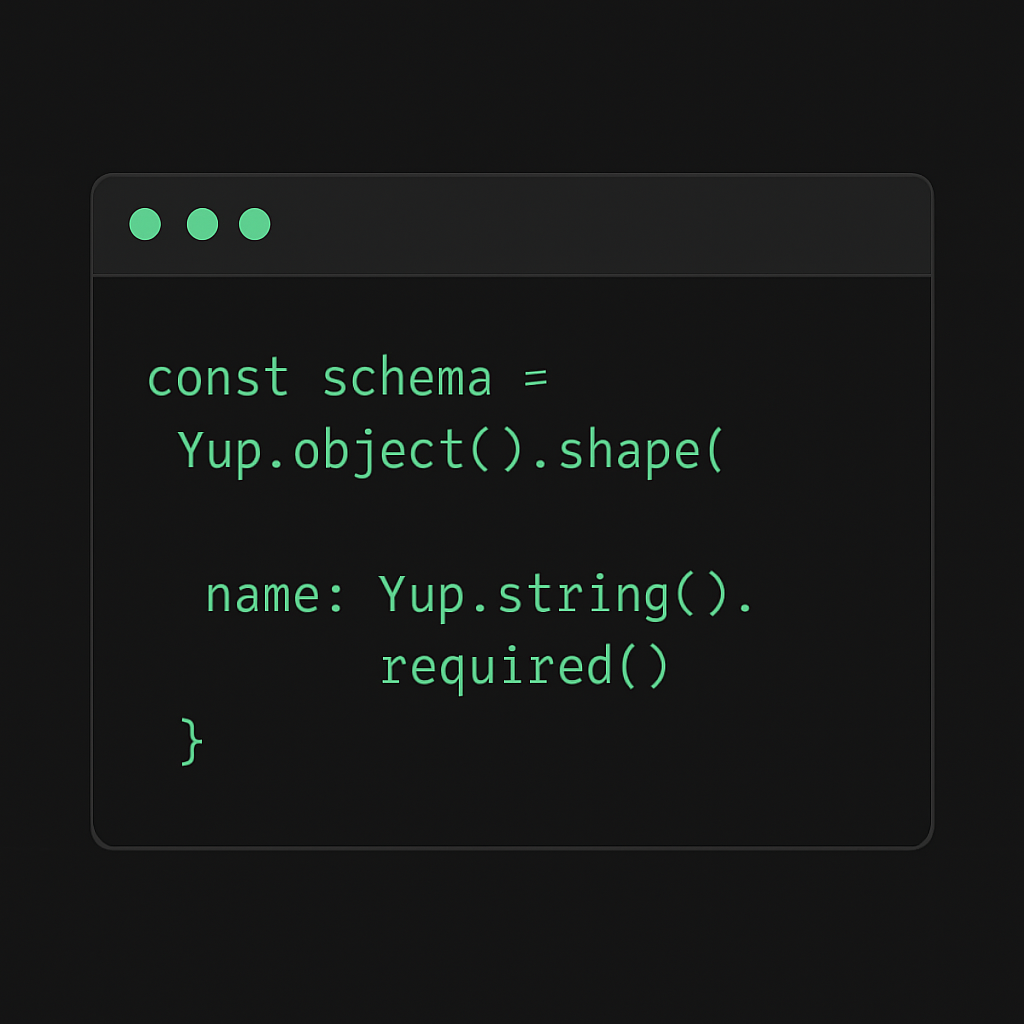
Data validation is a critical aspect of application development, ensuring that the data your application processes is accurate and reliable. Without proper validation, applications are prone to errors and security vulnerabilities. This guide demonstrates how to implement data validation using Yup, a popular validation library in the JavaScript ecosystem.
Problem
When building applications, you often need to validate user input, API responses, or any other form of data. Manual validation can be error-prone and cumbersome, especially for complex data structures. This is where Yup comes into play, providing a more efficient and declarative way to handle validation.
Solution with Code
Yup is a JavaScript schema builder for value parsing and validation. It allows you to define a schema and validate an object against it. Here's a step-by-step guide to implementing data validation with Yup:
Step 1: Install Yup
First, ensure you have Yup installed in your project:
npm install yup
Step 2: Define a Schema
Define the shape of your data using Yup's schema builder. Here's an example of validating a user registration form:
import * as Yup from 'yup';

const userSchema = Yup.object().shape({
  username: Yup.string()
    .min(3, 'Username must be at least 3 characters')
    .max(15, 'Username must be less than 15 characters')
    .required('Username is required'),
  email: Yup.string()
    .email('Invalid email format')
    .required('Email is required'),
  password: Yup.string()
    .min(8, 'Password must be at least 8 characters')
    .required('Password is required'),
  age: Yup.number()
    .min(18, 'You must be at least 18 years old')
    .required('Age is required')
});
Step 3: Validate Data
Use the validate method to check if your data conforms to the schema:
const userData = {
  username: 'john_doe',
  email: 'john@example.com',
  password: 'securePassword123',
  age: 25
};

userSchema.validate(userData)
  .then(() => {
    console.log('Validation succeeded!');
  })
  .catch((err) => {
    console.error('Validation failed:', err.errors);
  });
Key Concepts
- Schema Definition: Define the structure and constraints for your data. Yup provides a fluent API to specify types and constraints.
- Validation: Validate data against the schema to ensure it meets all constraints. Validation can be synchronous or asynchronous.
- Error Handling: Yup provides detailed error messages that help identify why a validation failed, making debugging easier.
By incorporating Yup into your application, you streamline the validation process, enhance code readability, and reduce potential bugs, leading to more robust applications.