
How to Use Docker Compose for Multi-Container Apps
Problem
Deploying applications that require multiple containers can be challenging. Managing separate Docker commands for each container is error-prone and cumbersome. Ensuring that all services are correctly networked and scaled requires additional configuration, which can lead to increased complexity and maintenance overhead.
Solution with Code
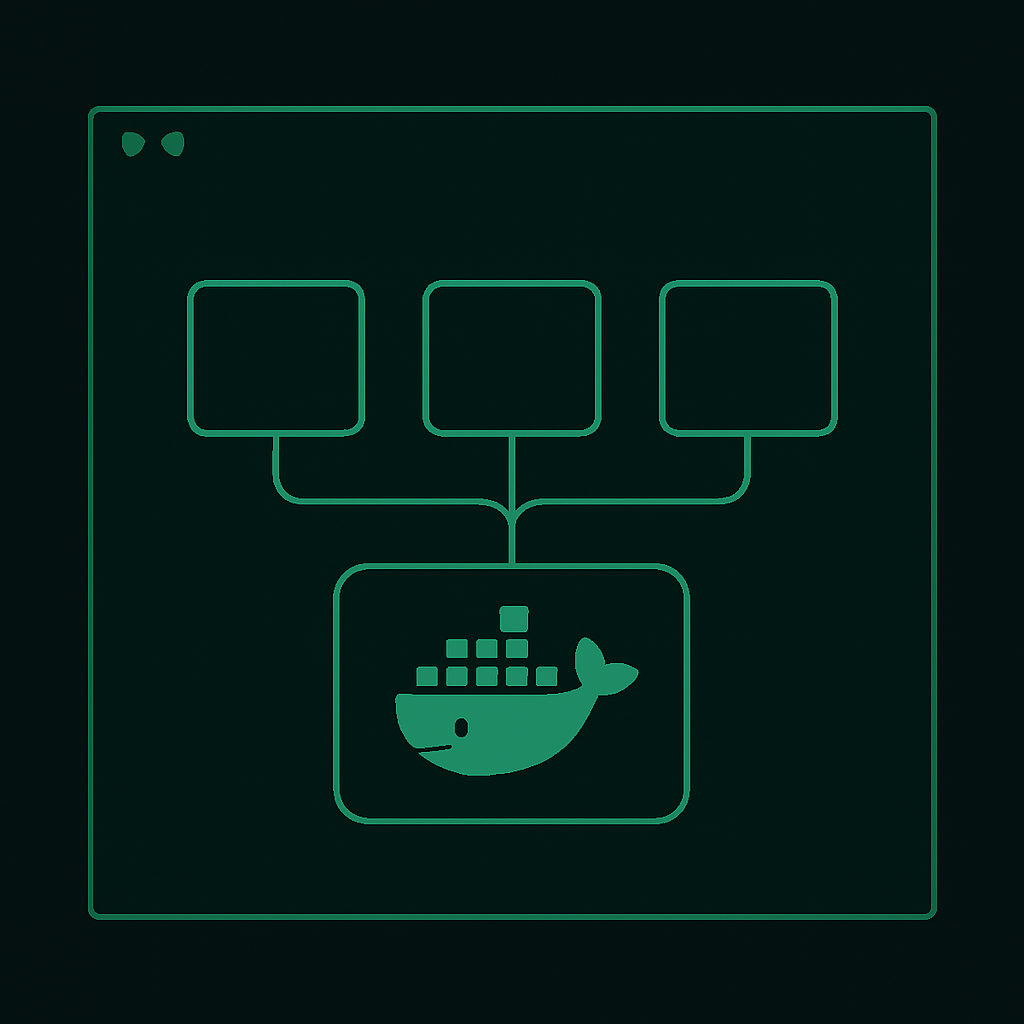
Docker Compose simplifies handling multi-container applications by allowing you to define and run them using a YAML file. Here is a step-by-step guide to using Docker Compose:
Step 1: Install Docker Compose
Ensure you have Docker and Docker Compose installed. You can verify your installation by running:
docker --version
docker-compose --version
Step 2: Define Your Services
Create a docker-compose.yml file in your project directory. Below is an example for a simple web application with a frontend, backend, and database:
version: '3.8'

services:
  frontend:
    image: node:14
    working_dir: /app
    volumes:
      - ./frontend:/app
    ports:
      - "3000:3000"
    command: npm start

  backend:
    image: python:3.9
    working_dir: /app
    volumes:
      - ./backend:/app
    ports:
      - "5000:5000"
    command: python app.py

  database:
    image: postgres:13
    environment:
      POSTGRES_USER: example
      POSTGRES_PASSWORD: example
      POSTGRES_DB: example_db
    volumes:
      - db_data:/var/lib/postgresql/data

volumes:
  db_data:
Step 3: Start Your Application
Run the following command in the directory containing your docker-compose.yml file:
docker-compose up
This command will start all defined services, create networks, and attach the specified volumes.
Step 4: Manage Your Application
To stop the running containers, use:
docker-compose down
To run services in the background, add the -d flag:
docker-compose up -d
Key Concepts
- Service Definition: Each service in a
docker-compose.ymlcorresponds to a container. Define the image, ports, volumes, and commands for each service. - Networking: Docker Compose automatically creates a network for your services, allowing them to communicate with each other by service name.
- Volumes: Persistent data can be managed using volumes, ensuring data is not lost when containers are stopped or recreated.
By using Docker Compose, you can streamline your workflow, reduce complexity, and improve the scalability of your multi-container applications.