
How to Use Nginx as a Reverse Proxy
Problem
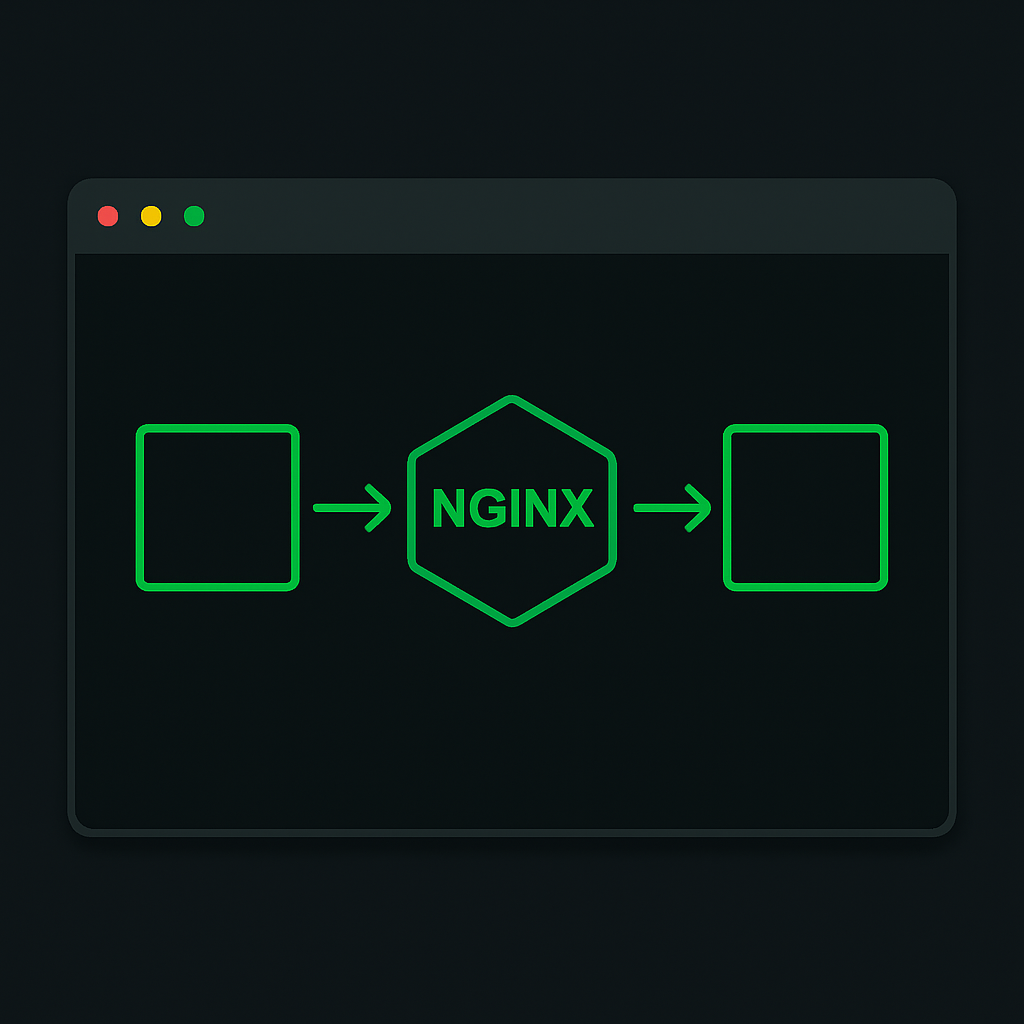
Modern web applications often require scaling and load balancing to handle increased traffic efficiently. Directly exposing application servers to the internet can lead to security vulnerabilities and performance bottlenecks. A reverse proxy can help by distributing client requests across multiple servers and providing a single point of access for external clients.
Solution
Nginx is a powerful tool that can be configured to act as a reverse proxy, improving application security and performance. Below, we provide a step-by-step guide to setting up Nginx as a reverse proxy for a simple web application.
Step 1: Install Nginx
First, ensure that Nginx is installed on your server. You can install Nginx using your system's package manager:
# On Debian/Ubuntu
sudo apt update
sudo apt install nginx

# On CentOS/RHEL
sudo yum install epel-release
sudo yum install nginx
Step 2: Configure Nginx as a Reverse Proxy
Create a new configuration file for your site by navigating to /etc/nginx/sites-available/ and creating a new file, for example, myapp.
sudo nano /etc/nginx/sites-available/myapp
Add the following configuration to the file:
server {
    listen 80;
    server_name example.com;

    location / {
        proxy_pass http://localhost:3000;
        proxy_set_header Host $host;
        proxy_set_header X-Real-IP $remote_addr;
        proxy_set_header X-Forwarded-For $proxy_add_x_forwarded_for;
        proxy_set_header X-Forwarded-Proto $scheme;
    }
}
This configuration tells Nginx to listen on port 80 and forward all incoming requests to the application server running on localhost:3000.
Step 3: Enable the Configuration
Create a symbolic link to enable the configuration:
sudo ln -s /etc/nginx/sites-available/myapp /etc/nginx/sites-enabled/
Test the Nginx configuration for syntax errors:
sudo nginx -t
If there are no errors, reload Nginx to apply the changes:
sudo systemctl reload nginx
Key Concepts
- Reverse Proxy: A server that forwards client requests to backend servers. It enhances security and load balancing.
- Proxy Headers: Headers like
X-Real-IPandX-Forwarded-Forare used to pass the original client IP to the backend servers. - Load Balancing: Distributing network traffic across multiple servers to ensure no single server becomes a bottleneck.
By following these steps, you can set up Nginx as a reverse proxy, providing a scalable and secure architecture for your web applications.